AI Studio
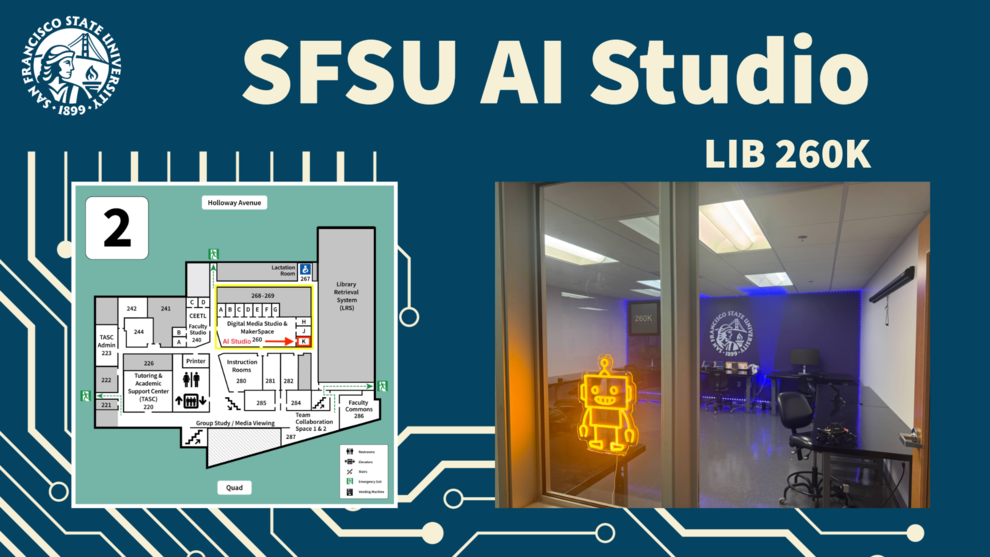
Located in the Digital Media Studio and MakerSpace (LIB 260), the AI Studio is a space for students to explore, innovate and connect around artificial intelligence and emerging technologies. The AI Studio features opportunities for students to get engaged with challenge project opportunities, equipment onsite and by check-out for hands-on learning, and so much more. Host a meeting, vibe code in a chill space and connect with SFSU and industry folks.
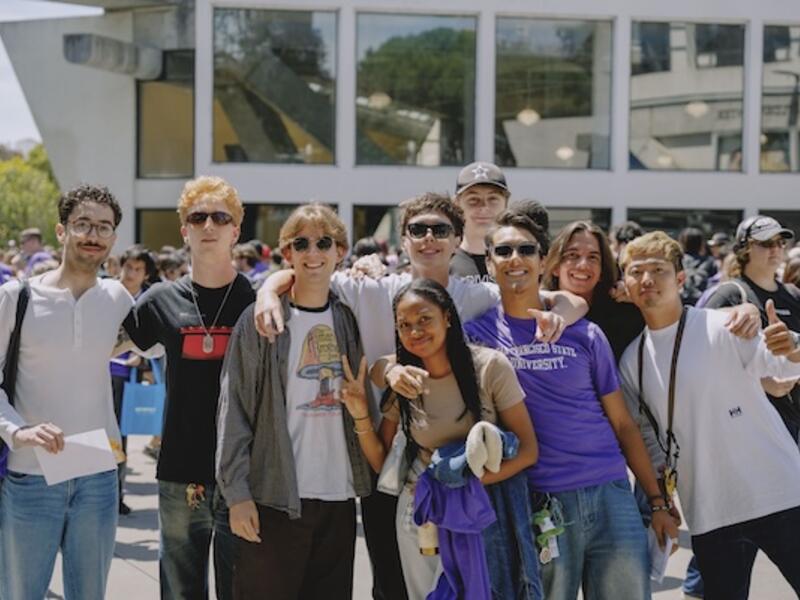
Technology Skill Certificates for SFSU Students
Technology certificates help students explore new technologies, build practical skills and earn industry-recognized credentials that complement their academic studies and strengthen their career readiness.
Features
Equipment available in the AI Studio.
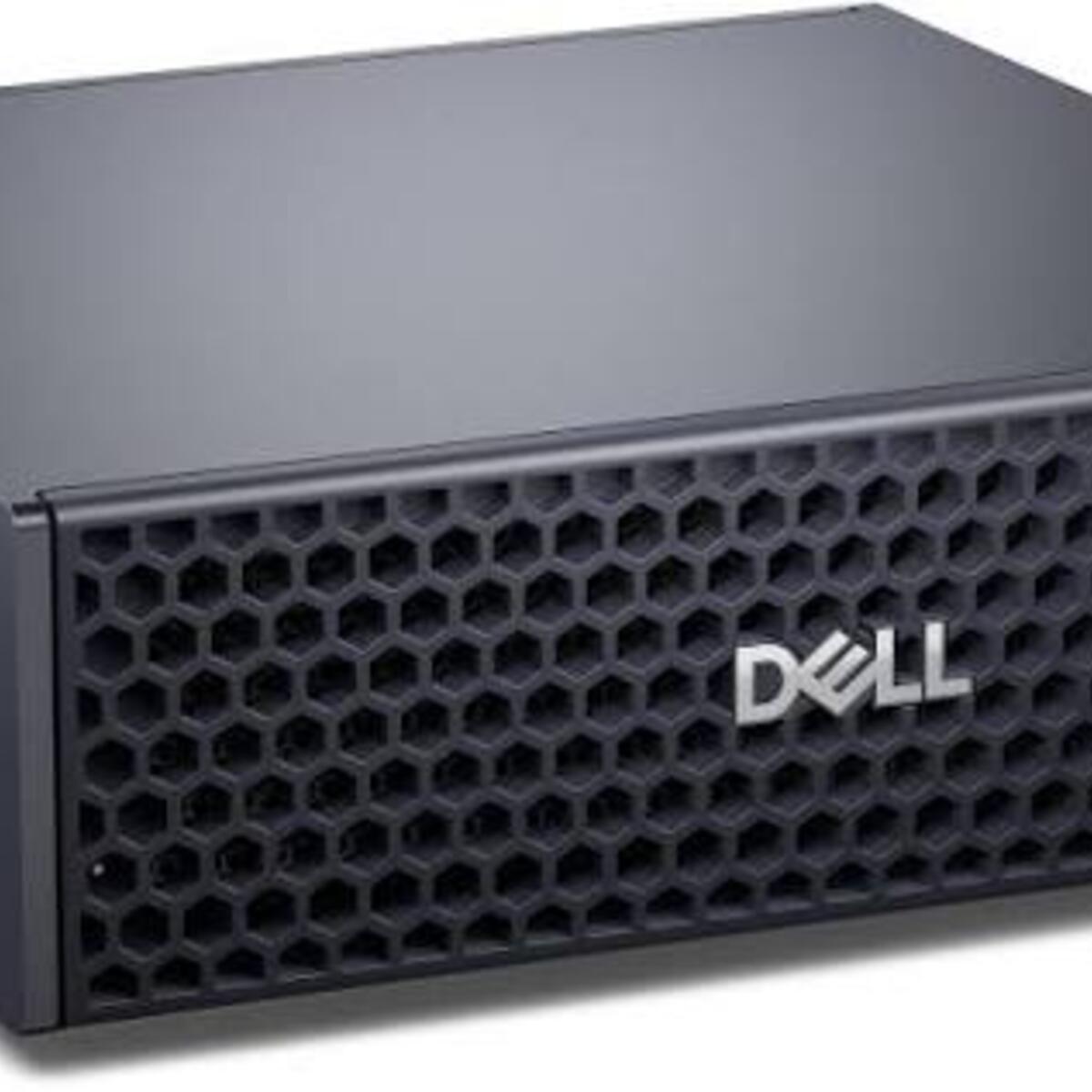
Dell GB10 Computers
The Dell Pro Precision with GB10 (also known as the Dell Pro Max with GB10) is a compact, desk-side AI mini-workstation built around the NVIDIA Grace Blackwell GB10 Superchip. There are two Dell Pro Precision GB10 computer stations in the AI Studio. What It Is Used For: • Local AI Inferencing & Prototyping: Capable of running and fine-tuning large language and vision-language models locally (up to roughly 200-billion parameter models on a single unit, or scaled higher by pairing units). • Developer Ecosystem: Designed for AI researchers, enterprise developers, and edge-computing workflows that need data-center-grade NVIDIA software stacks locally on a desk without a massive tower rig.
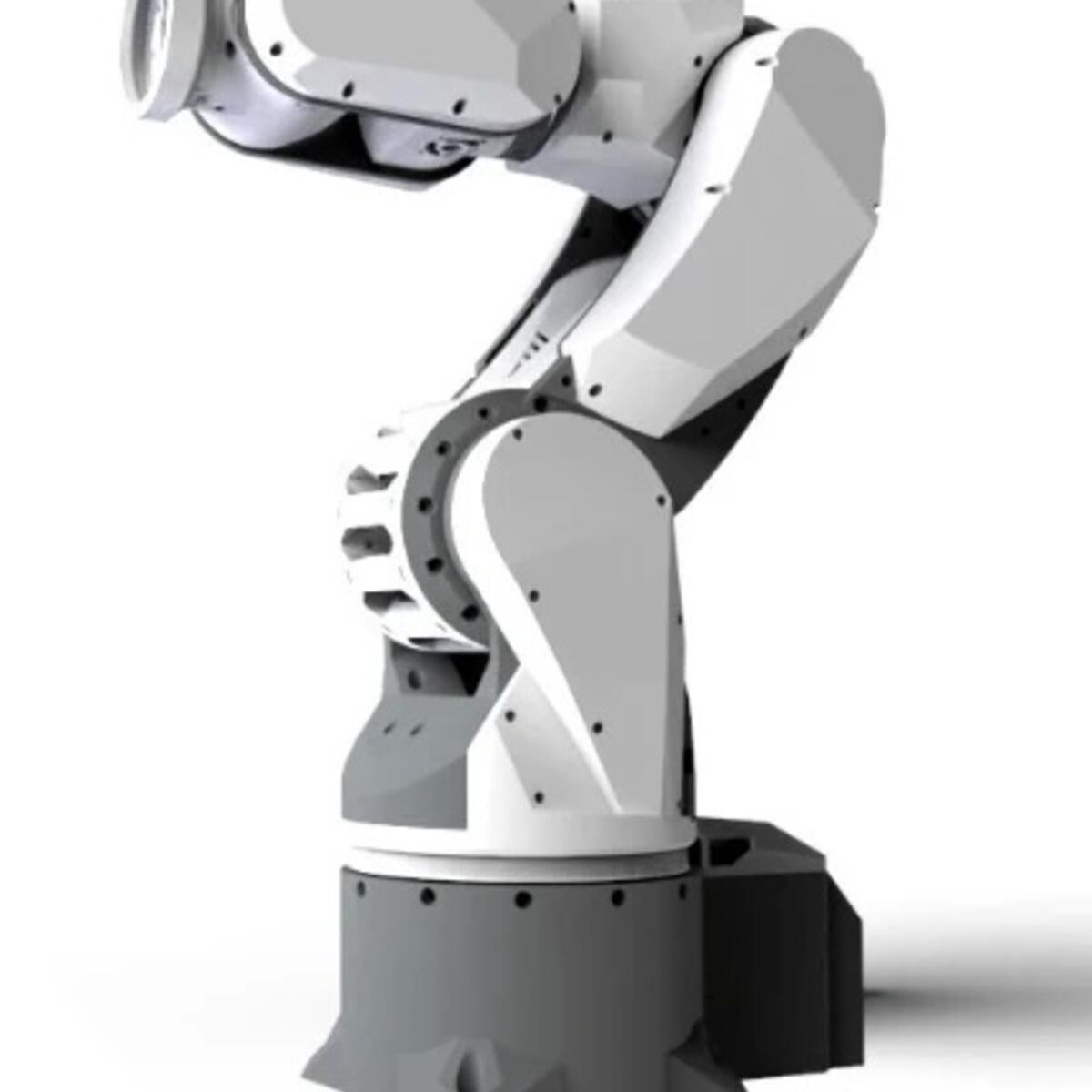
SO-ARM Servo Arm
The SO-ARM servo arm is a programmable robotic arm that lets students explore how robots move and respond to instructions. By controlling its joints and gripper, students can practice coding, experiment with automation, and build an understanding of the mechanics behind robotic systems.
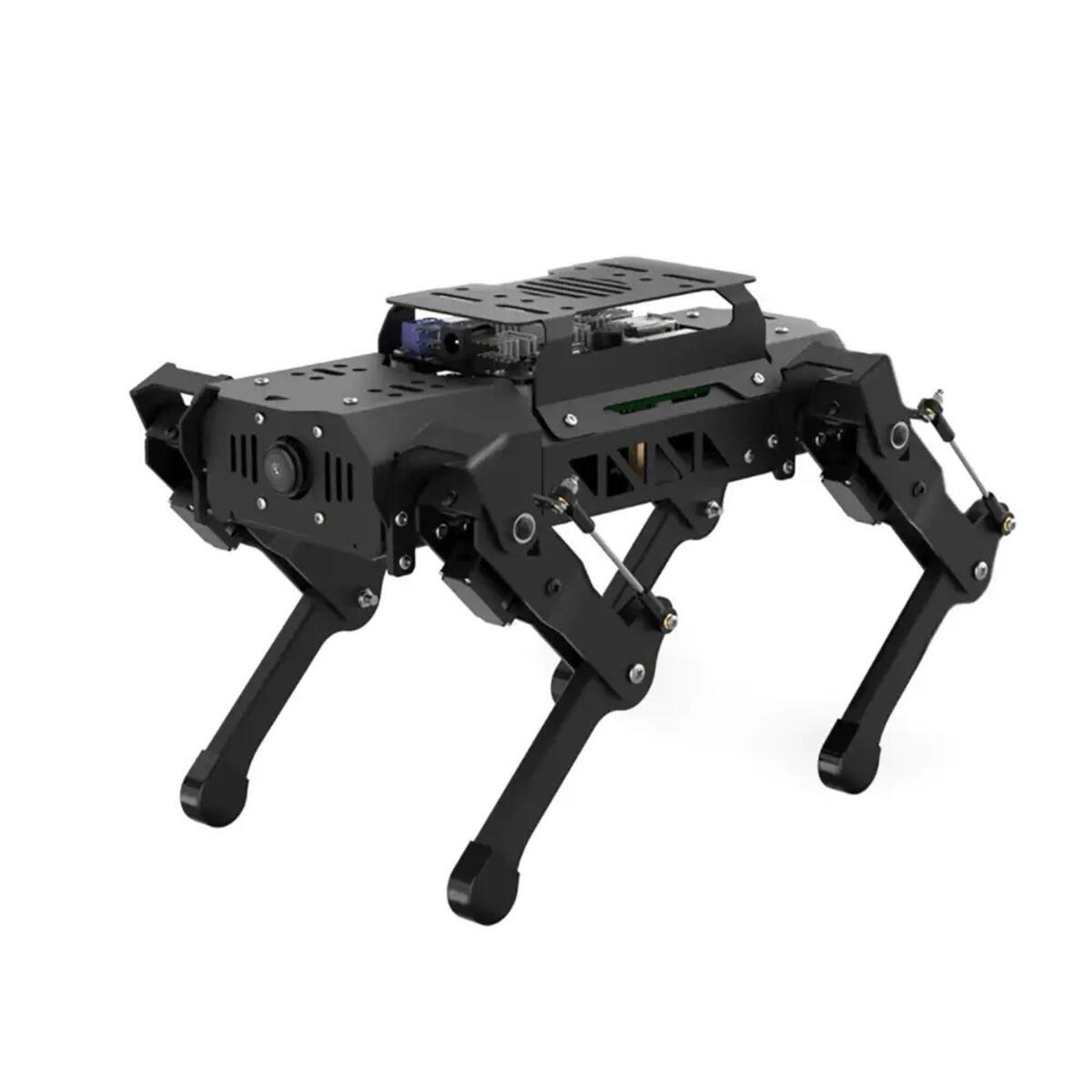
Puppi Pi Robot Dogs
The Puppi Pi robot dogs are small, programmable robots that students can use to explore robotics through movement and interaction. Students can send commands to make them perform actions, then experiment with programming and AI concepts as they learn how software can control a physical device.
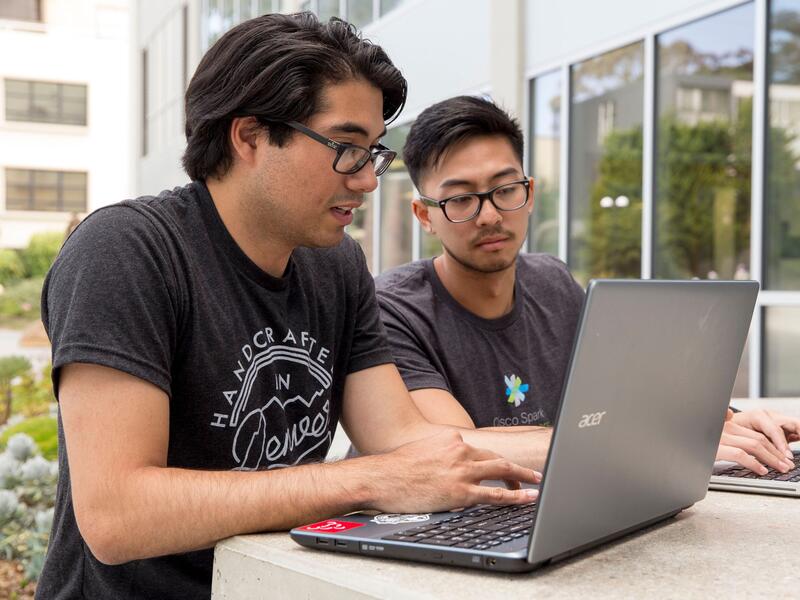
Student AI Literacy Essentials
Student AI Literacy Essentials is a free, asynchronous, self-paced Canvas course built at SFSU for all CSU students, created by SFSU faculty, developed by the Academic Technology unit at SFSU, and informed by CSU students.
Check-out equipment
Jetson Orin Nano 8GB
Use for AI projects that need NVIDIA Jetson software or GPU acceleration.
Start
1. Connect a DisplayPort monitor, USB keyboard, and mouse.
2. Confirm Jetson software is installed on the microSD card or NVMe drive.
3. Connect the supplied 19V power adapter and follow the on-screen setup.
4. Connect to the network when prompted.
Quick tips
Keep the fan and vents clear. Shut down from the desktop before unplugging.
For system and GPU activity, run tegrastats in Terminal; press Ctrl+C to stop.
Fresh installation: Use NVIDIA’s current instructions. JetPack 7.2 and later require JetPack 6.x-generation firmware. If the kit has older firmware, complete NVIDIA’s JetPack 6.x update path first.
Support
Raspberry Pi 5 8GB
This guide refers to the CanaKit with a Raspberry Pi 5 and a 128GB microSD card.
Start
1. Insert the microSD card with Raspberry Pi OS installed.
2. Connect a monitor to HDMI0, then connect a keyboard and mouse.
3. Connect Ethernet or choose Wi-Fi during setup.
4. Plug in the Pi 5-compatible USB-C power supply and follow the on-screen setup.
Quick tips
Use a 5V, 5A supply for the Pi 5.
The 128GB card is storage; 8GB is memory. Shut down before unplugging.
Blank card? Use Raspberry Pi Imager to install Raspberry Pi OS. Check the selected card carefully; writing an image erases it.
Support
SFSU Student AI Awards
The annual SFSU Student Awards celebrate student innovation, creativity and critical engagement with emerging technologies. Join us at the end of every Spring semester as we showcase student work with or around AI.